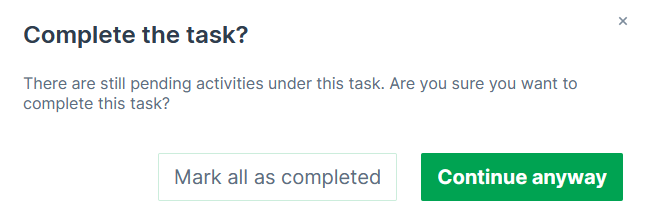
Update Task
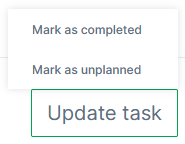
The UPDATE TASK button, displayed at the bottom of the page, see Maintenance Tasks Overview, can be used to both complete the task or reset to the "unplanned" state.
Only users with maintain permission can change the status of a task i.e. can use the Update Task button, see Permission Sets.
The Update Task button is not displayed for skipped maintenance tasks.
To complete the maintenance task, click the button UPDATE TASK and select Mark as completed
This will change the State Indicator of the maintenance task to COMPLETED and iterate/reset the Service Cycle.
A dialog will be displayed beforehand to mark all checkboxes and complete the task or close the task without marking the pending checkbox(es), see following image.
Note that a maintenance task may be closed without completing the Activities.