Unknown Machine Location
Machines with unknown locations are displayed in both map and table views as follows - irrespective of map interactions, e.g. using "List and map filter each other", or state changes, e.g. "online"/"offline":
-
List View: In the list view, filter for machines with an unknown location by selecting the "Unknown Location" filter. This will display a count directly in the list of how many machines lack location data. The filter is to be found in the column "Location"; if the column is not visible in the List/Table view, add it as described in (4) Table options above.
-
Map View: In the map view, it is not possible to render machines without a known location. Since these machines do not have associated geographic coordinates, they will not appear on the map. You will only see the count of these machines, which can be identified through the list view.
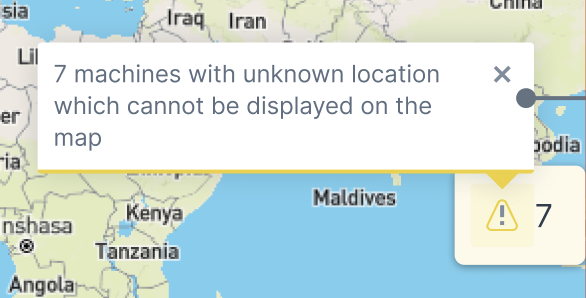
- Split View: In split view, use the "Unknown Location" filter to see the count of machines without location data in the list section. Similar to the map view, these machines will not be displayed on the map section, but only the count of the machines which can be then identified in the list.