Manage Machine
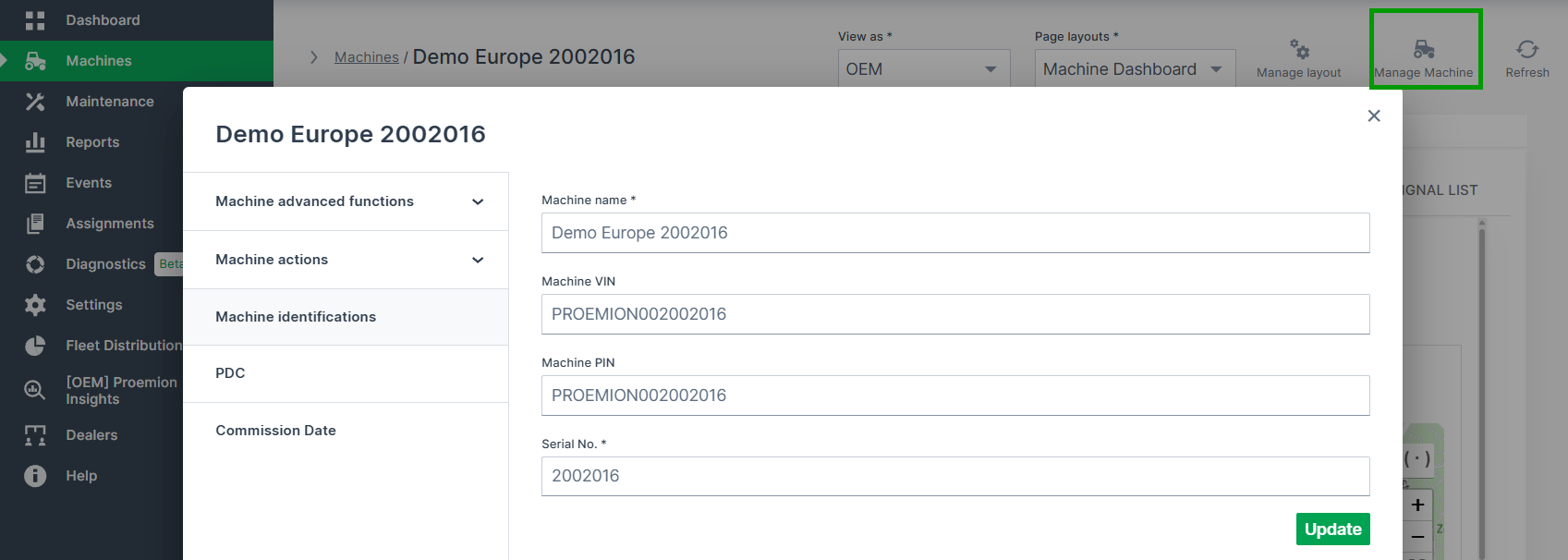
The Manage Machines window is available in the top right corner of the Machine Page. It shows all properties of the selected machine. And you may also configure several functions as described as follows in the documentation:
Note
Note that the available functions depend on the Device Mode of the machine.