Manage Machine
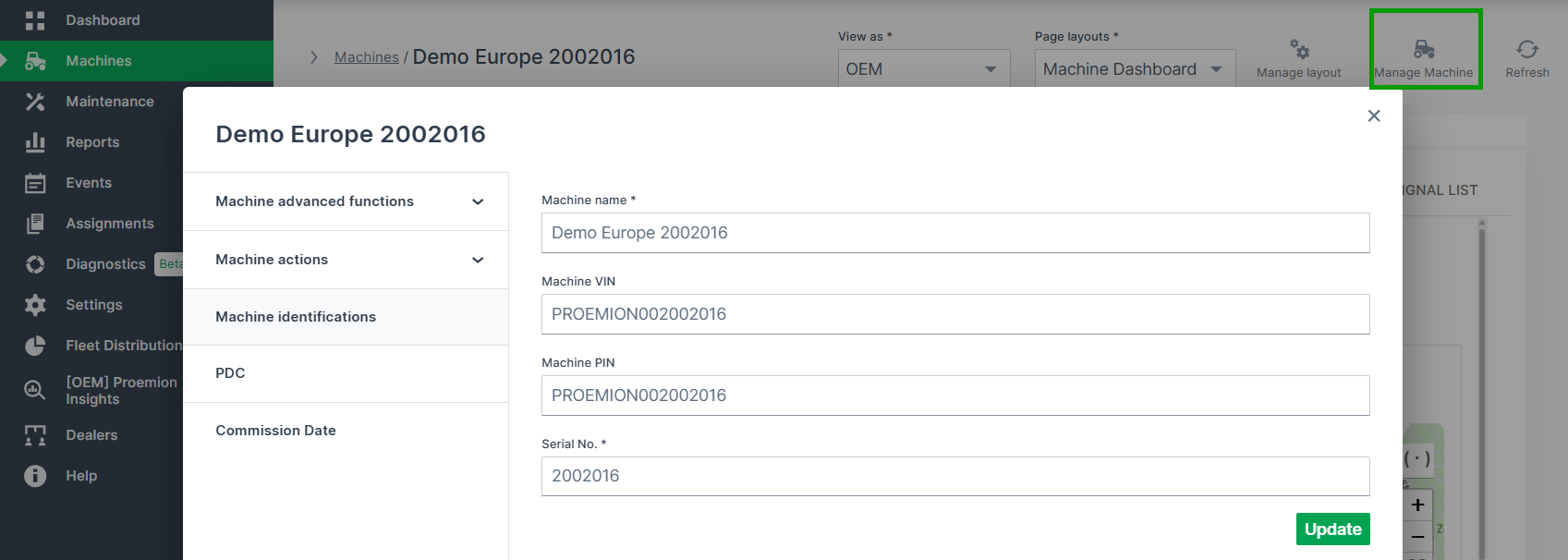
The Manage Machine window shows all properties, advanced functions and actions of the selected machine.
On the Machine Page, select the machine you want to manage and click the Manage Machine vehicle button in the top-right corner. This opens the Manage Machine window:
Note
Note that the available functions depend on the Device Mode of the machine.
You can configure several functions as described as follows in the documentation:
- Properties:
- Machine Advanced Functions:
- Machine Actions (examples; Actions are custom and defined in the PDC, see Machine Actions):