Restart Device
The Restart Device feature is only available for CANlink® mobile devices.
You must have Machine:Admin permission to be able to reset the device.
Proceed as follows:
On the Machine Page, select the machine you want to manage and click the Manage Machine vehicle button in the top-right corner.
This opens the Manage Machine window.
-
In the Manage Machine window, open the Machine advanced functions and select Device Config.
-
Click Restart. The device will be restarted.
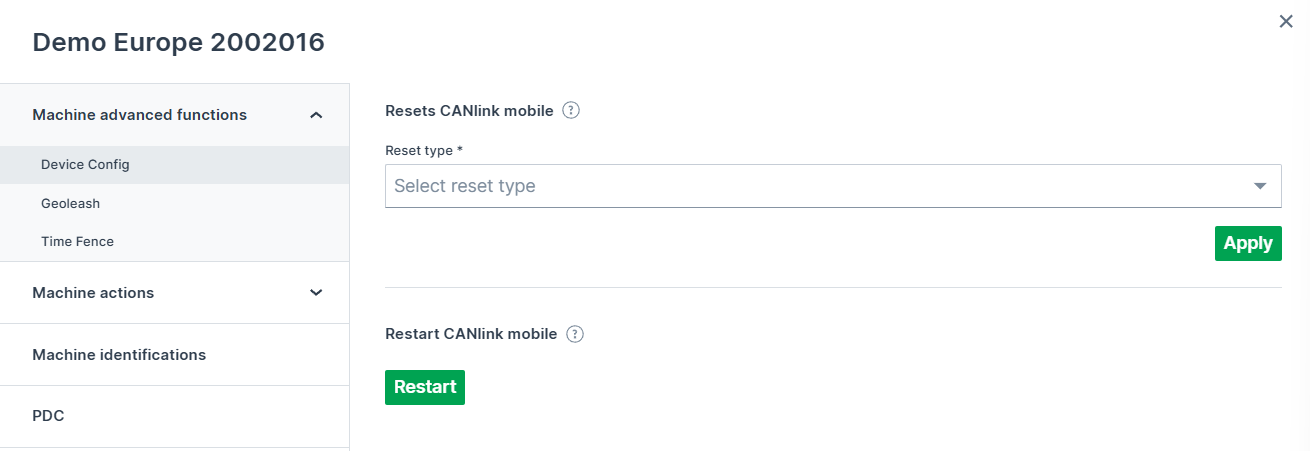
Figure 1: Device Restart