Commission Date
The Commission Date is the date when the machine is handed over to the owner who will operate the machine. It can be edited within the Manage Machine window and can be displayed in the table of the Organization Structure Overview if you have added the column to your table.

To edit the Commission Date the Machine:Admin Permission Set is required.
To do so, proceed as follows:
On the Machine Page, select the machine you want to manage and click the Manage Machine vehicle button in the top-right corner.
This opens the Manage Machine window.
-
Select Commission Date from the menu.
-
Select a Commission Date and click Set.
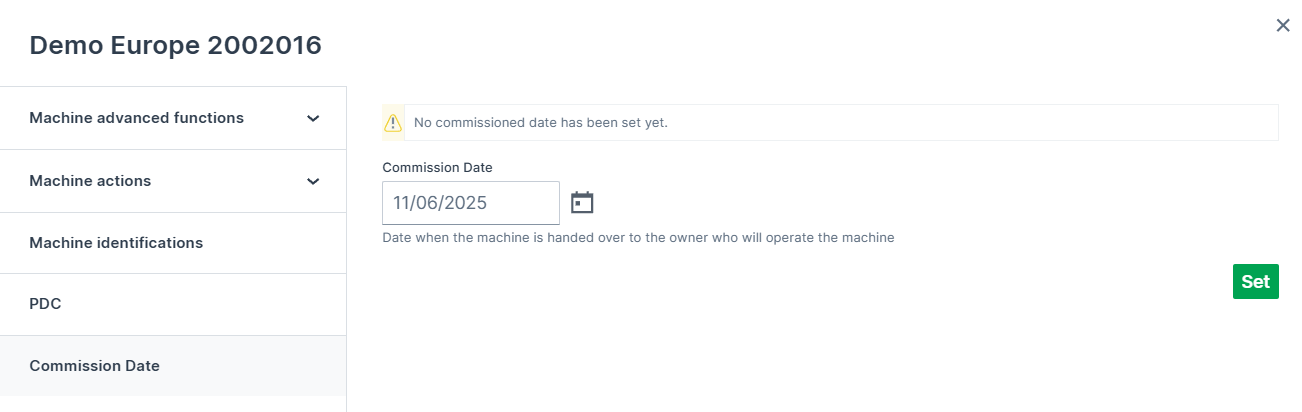
Figure 2: Edit Commission Date
The defined Commission Date will now be displayed in the table.