Connectivity Check
Tip
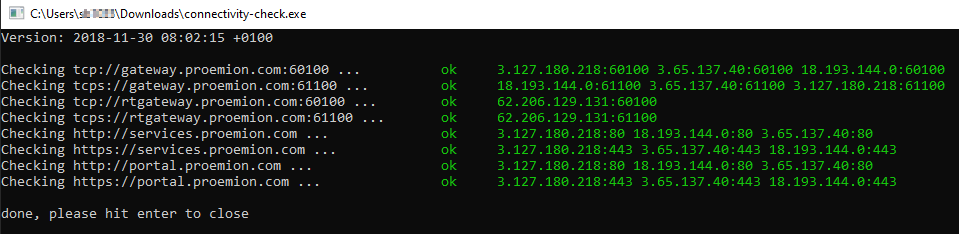
If you experience connectivity issues with Remote Service Tool, run the test below and contact your local IT administrators if the required connections aren't OK.
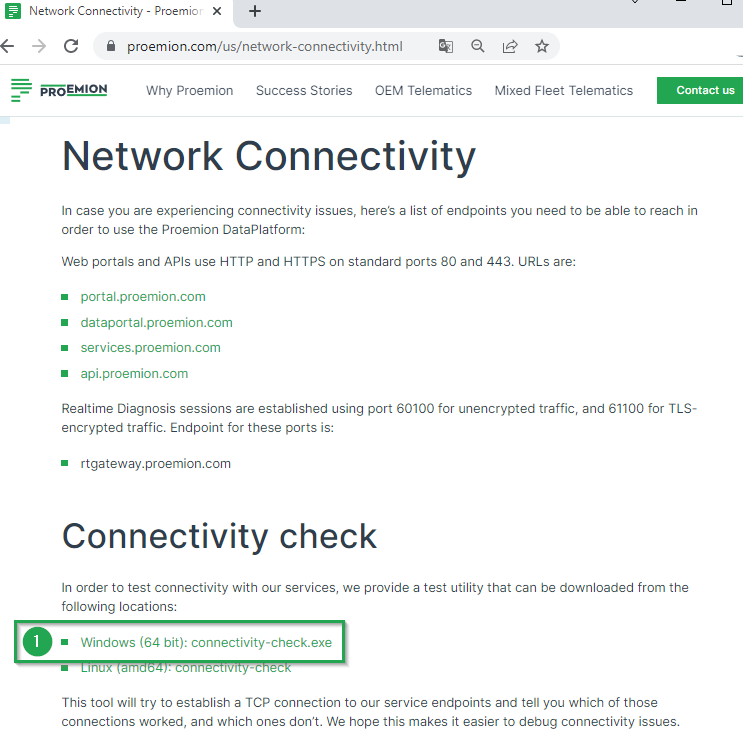
- Download
connectivity-check.exefrom the Connectivity Check web page.
- Run
connectivity-check.exeon the PC with Remote Service Tool installed.
✓ This runs a connectivity test to the Proemion default URLs and ports.
- Make sure that all connections are OK.