Software Update
Remote Service Tool offers the option to search for software updates.
- Click
 > Check for updates in the menu bar.
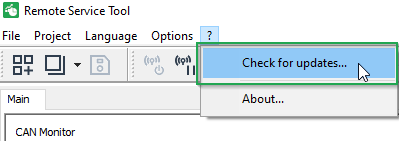
✓ This opens the Software update window.
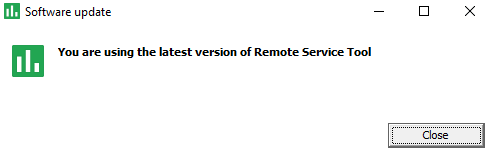
✓ Remote Service Tool displays a message about the software version status.
- If a new version is available, follow the instructions to perform the update.
Note
The online software update of Remote Service Tool requires an outgoing FTP connection. Make sure the FTP port is open.