Acknowledge Maintenance Tasks
Acknowledging a maintenance task means adding your signature in order to confirm the completion of the task.
The acknowledgement process, i.e. validating the identity and collecting the signature, takes place in the Machine Companion App only, see Acknowledge Maintenance Tasks in the Machine Companion App Manual.
Note
Only users with Task:Maintain permission and Task:Admin permission can initiate the acknowledgement process.
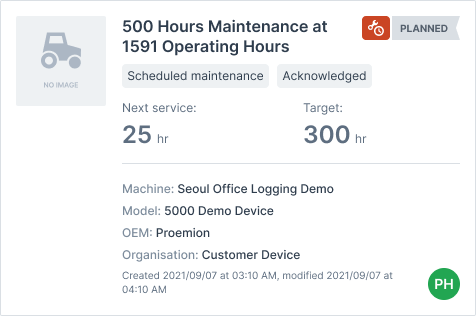
Once signed, the maintenance task gets the label "Acknowledged", which can be filtered by, see Filters:
Via the link "Show image", the maintainer of the task with Task:Admin permission can view who has signed the task:
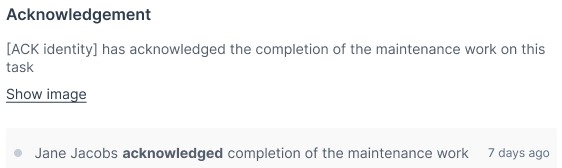
Machine Owner with Task:View permission can see the completion note and that the task was acknowledged only for completed tasks.
For the different permissions needed, see Permission Sets.