Connecting the Device
When connecting the device to a PC, it may be helpful to use a USB-to-Ethernet adapter, as many PCs have only a single Ethernet port. It is also recommended to connect the device via Wi-Fi if a wired connection is not available.
To protect the device from damage and data loss, a correct wiring and configuration of the power management settings is mandatory. The main purpose of the power management settings is that the device has a safe shutdown before the supply voltage (terminal 30/31) is disconnected.
Warning
Overload damage due to malfunction.
Risk of severe or fatal injury.
- To limit power in the event of malfunction, secure the DC power supply circuit during installation with an external 2 A fuse.
Risk of property damage
- The device must be installed, connected, and commissioned by a qualified technician.
- Ensure the power supply is disconnected before connecting the device.
- Only use components from the launch kit or the accessories supplied. Refer to chapters Launch Kit and Software and Accessories.
If you have any questions or anything is unclear, please contact our support before getting started. See Service and Support.
Note
Device defect due to power failure.
Destroyed hardware component on the device. Repair not possible.
Destroyed file system on the device. Repair by Proemion necessary.
- Permanently connect terminal 30 to steady power supply (vehicle battery) to ensure that the required power management settings can be applied to the device in the right manner.
- Permanent disconnection from the power supply is only permitted when the device was set to sleep mode before.
- Connect terminal 15 correctly and configure secure switching to sleep mode in the Power Management section of the device configuration.
- Do not disconnect the device from the power supply until it has completely switched to sleep mode (all LEDs off).
Power Supply
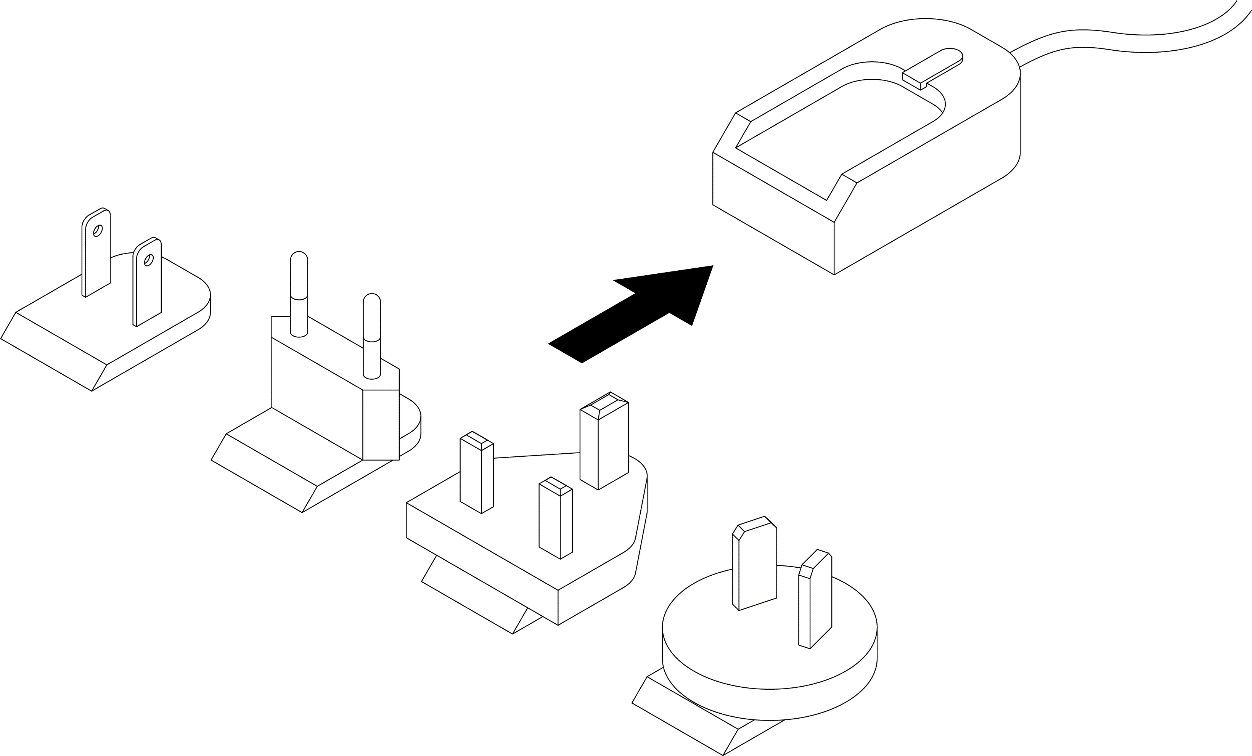
The main plug connector supplies the device with power. If you use the power supply unit from the kit, make sure you use the country adapter for your country.