Registration
In order to use our Jira ticket system, you need to complete a free registration for Atlassian.
-
Visit our support page and click Sign up.
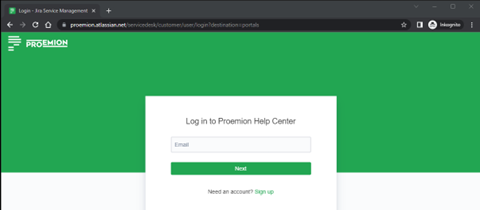
Figure 1: Jira Sign up -
Enter your email address and click Send link.
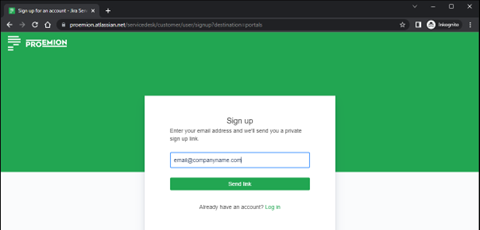
Figure 2: Jira Send Link -
An email for the verification will be sent to your email address.
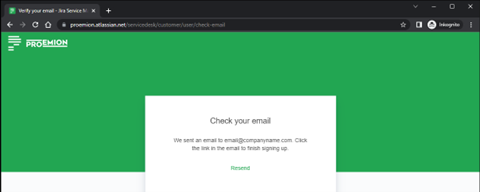
Figure 3: Jira Check Mail -
Check your email inbox. If you haven't received an email, please check your spam inbox.
Click Sign up and verify your email address.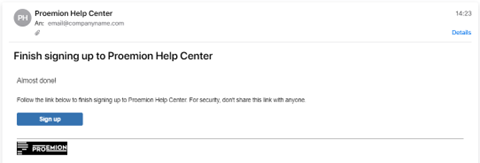
Figure 4: Mail: Sign Up in Jira -
In the support page, you can now create a support request by clicking Support Request.
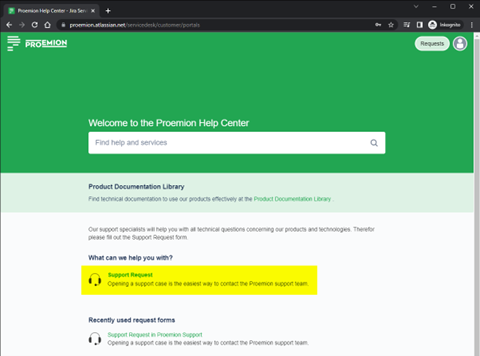
Figure 5: Jira Support Request -
Fill out the form with all the necessary information and click Send.
To ensure a fast and efficient support process and to keep the number of queries as low as possible.
You should provide a description of the error that is as precise as possible and all relevant information.Note
The input mask changes according to the selected topic.
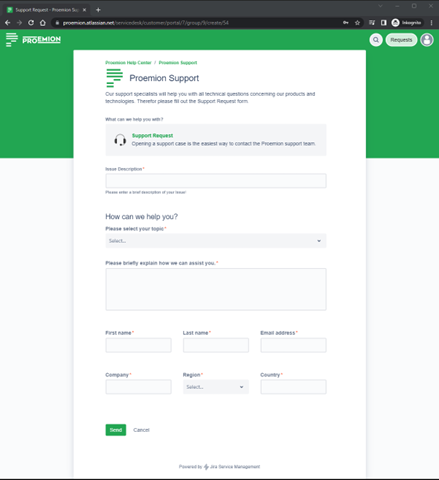
Figure 6: Jira Send Request -
Your ticket is now created.
In the main window, you will find all the information.
On the right pane, you will find the current status of the ticket and some action items.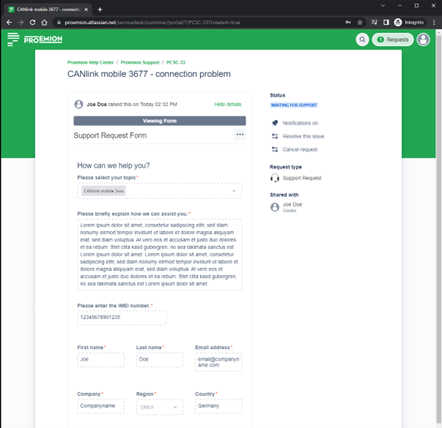
Figure 7: Jira Created Request -
At the bottom of the ticket, you find the Activity area.
There, you can send us more details, upload files, images or add more information about the observed behavior.
Our answers are also displayed here.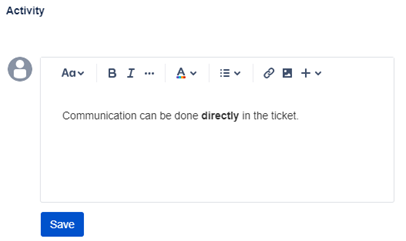
Figure 8: Jira Activity