Introduction
The Machine Companion App operates as an extension of the machine, giving OEMs, dealers, and machine owners access to machine-related insights. The app is available on both Android and iOS.
The main target groups of the app are:
- Machine owners with a smaller number of machines compared to the OEM.
- Dealer or OEM organizations handling maintenance tasks.
App Variants
The app can be offered in two variants:
- Standard variant: set up with the standard Proemion signals for the machines accessible by the machine owner. The app is free to download and available on both Android and iOS, see Machine Companion App (Google Play) and Machine Companion App (App Store). No branding or customization applies to this variant.
- Customized (white-labeled) variant: a paid variant delivered through the OEM's own Google Play and App Store channels.
During the initial setup, Proemion collects the OEM's configuration details:
- Custom signals to highlight key metrics, see Signals List for how signals are selected and displayed.
- A custom theme and color scheme.
- SSO authentication, if required, see Login.
Warning
Customers who choose a white-labeled DataPortal URL must also upgrade to a white-labeled Machine Companion App, because access to the standard Proemion app is restricted in that case. Treat white-labeling the portal and the app as part of the same upgrade or purchase to keep access uninterrupted and the user experience consistent.
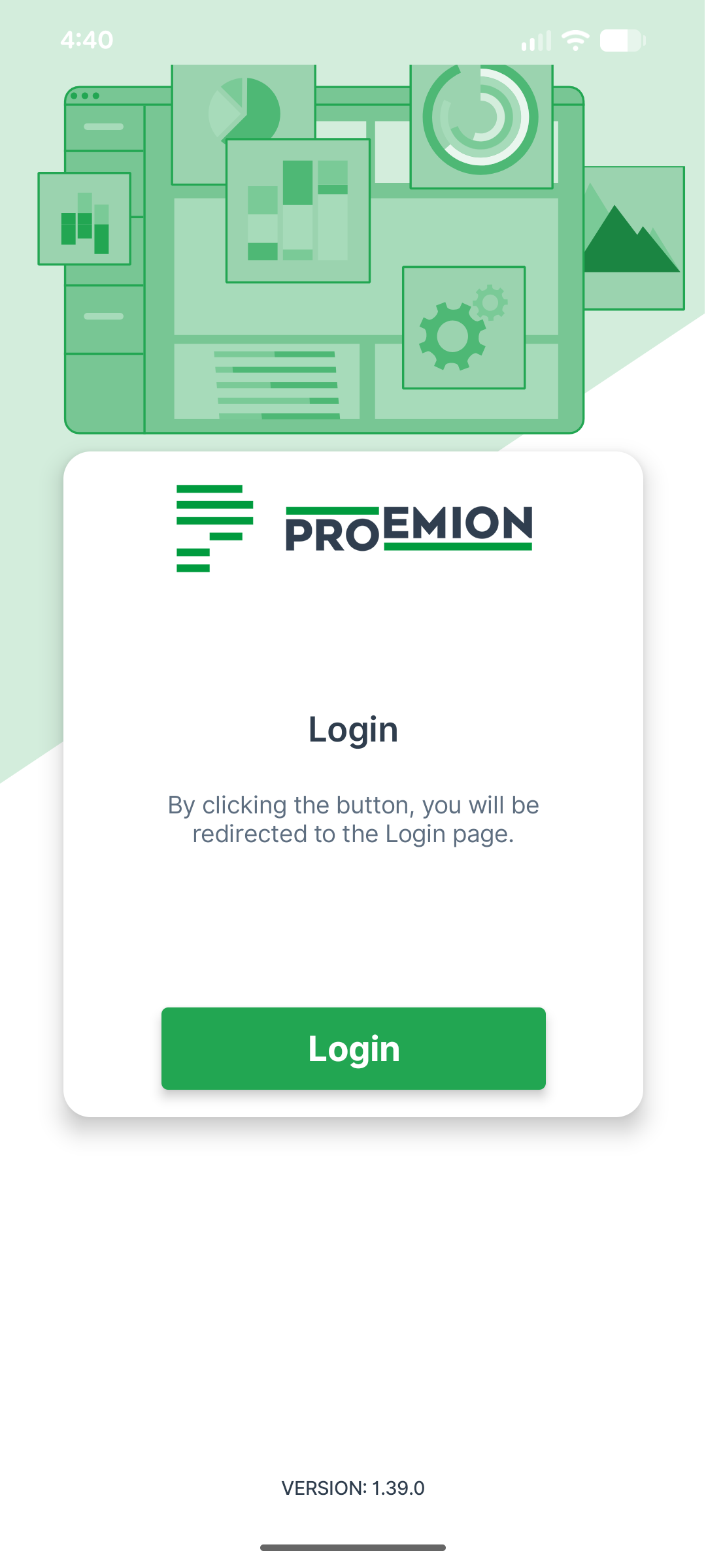
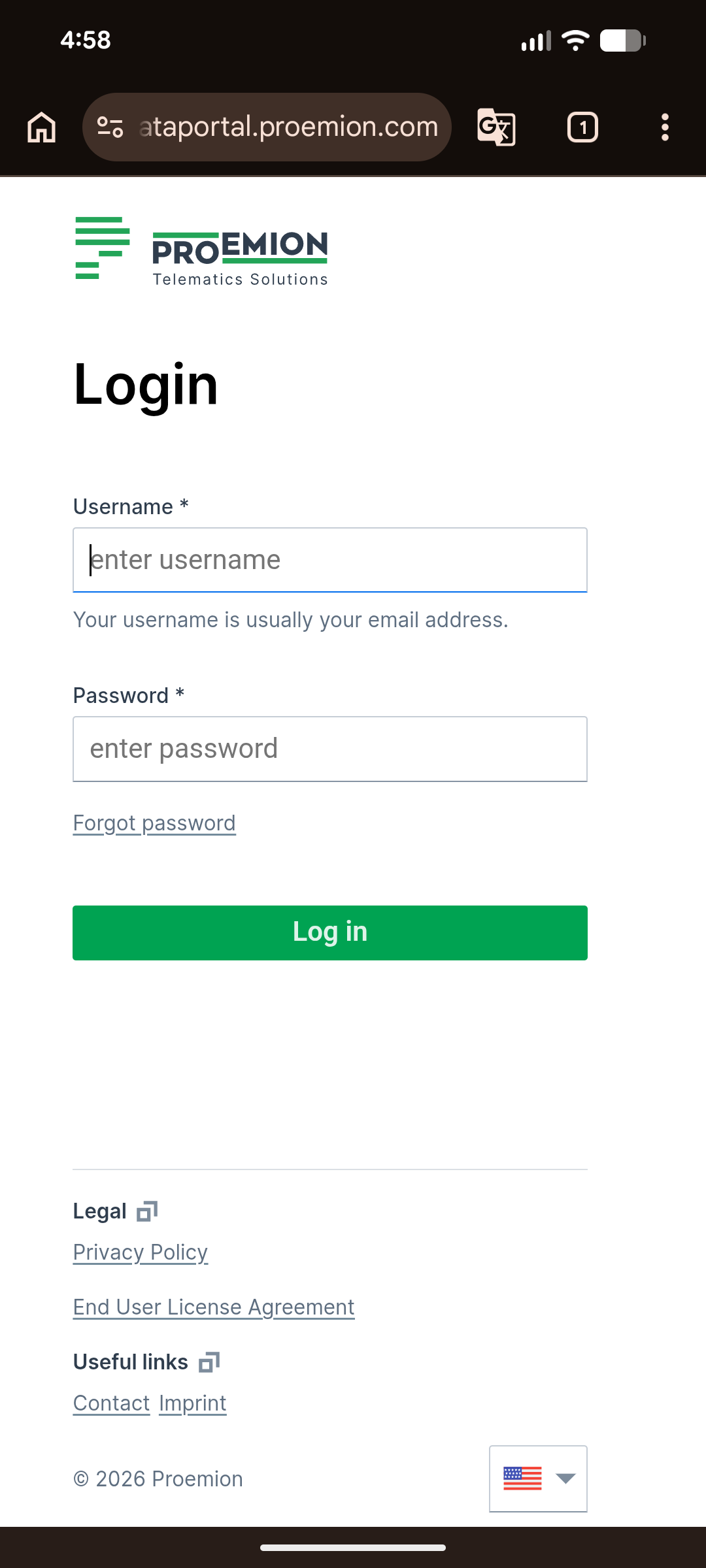
Login
Machine Companion App uses a single login flow for all users: tapping Login redirects to a Proemion web login page, where the user signs in with their account credentials or through the OEM's configured SSO, if set up during the initial setup.