DTCs
The DTCs screen shows all active DTCs across machines, sorted by machine name, together with each machine's model name and DTC count:
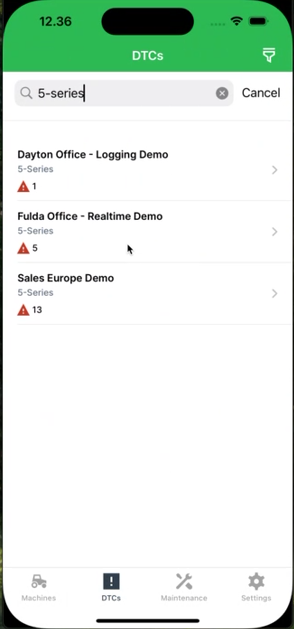
Search for a specific model or machine name to filter the list, or select the filter icon in the top-right corner to filter by:
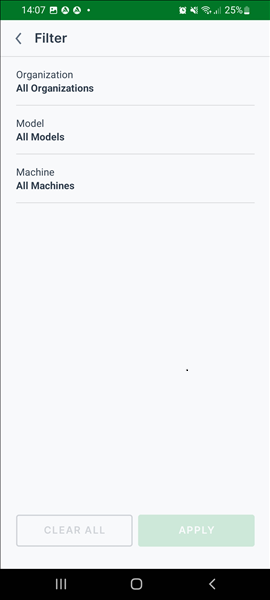
- Organization
- Model
- Machine
DTC Details
Selecting a machine opens its DTC details, listing every DTC reported for that machine:
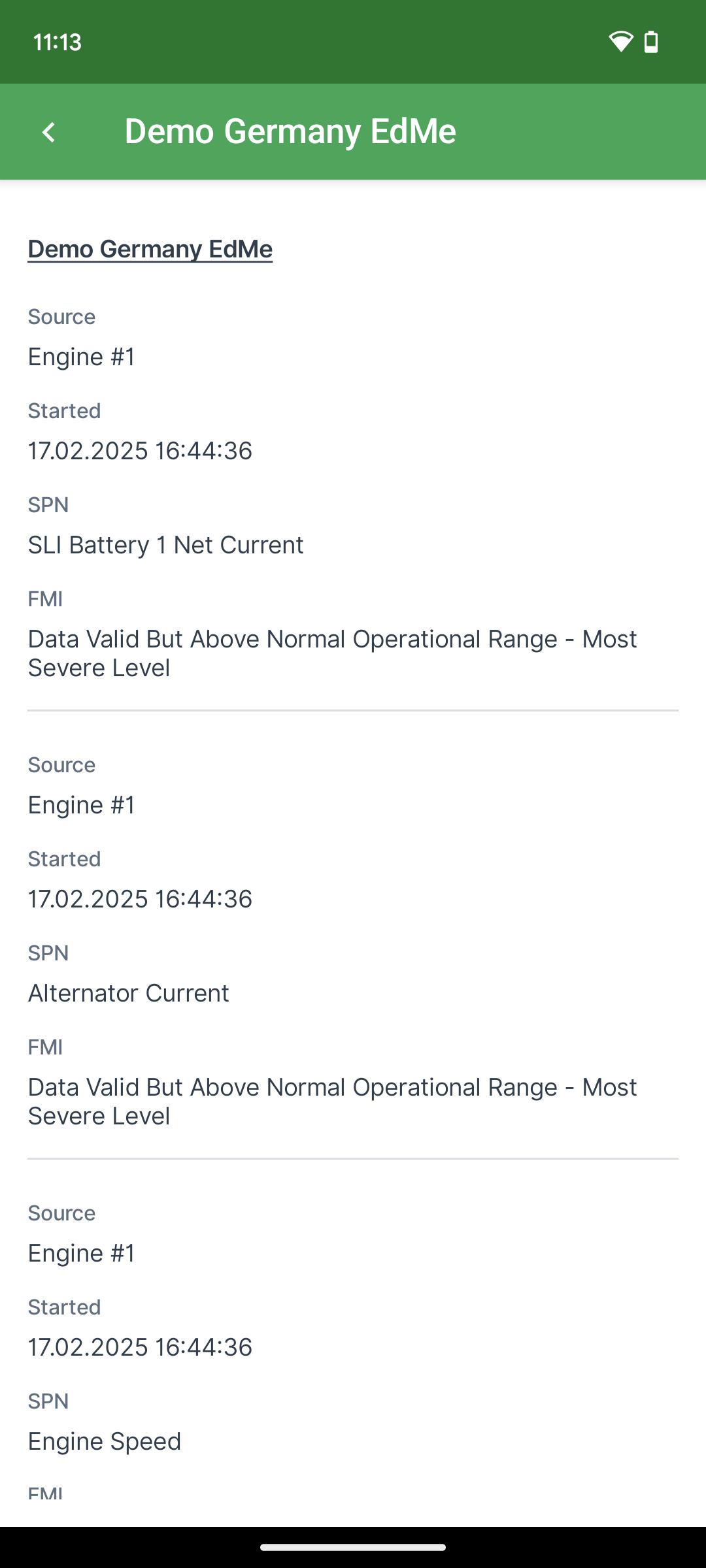
For a description of the fields shown for each DTC, see DTCs Tab.
At the top of the DTC details, a link opens the related Machine Details page.