Wireless Peers
The Wireless Peers tab sets up a point-to-point (P2P) bridge connection, connecting a device to another one. Use it to manipulate CAN data or share CAN data between two physically separated networks. Configure both the server and the client.
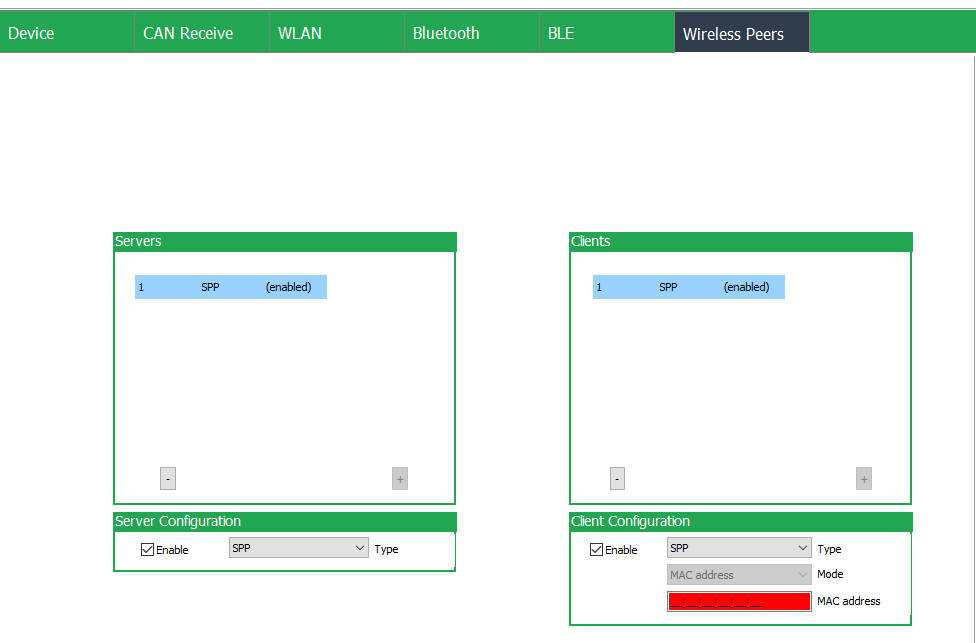
Add Server/Client
- In Server Configuration, select the desired Type, for example SPP.
- Make sure Server Configuration is enabled.
- In Client Configuration, select the desired Type, for example SPP.
- Make sure Client Configuration is enabled.
Disabled servers and clients are not written to or read from the device.