Transfer Optimization
Transfer or upload files via CAN, or via protocols such as CANopen, from a service tool to the CANlink mobile on the machine.
These files are, for example, configuration or firmware files.
By default, the Transfer optimization slider is set to Off when no connection is active.
Warning
After starting Connection Control, the Transfer optimization slider is automatically set to On. If the CAN protocol does not use the CANopen segmented data transfer, set the Transfer optimization slider back to Off.
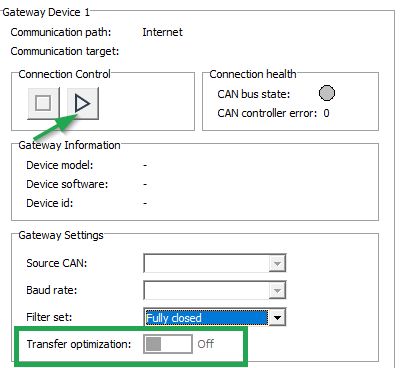
Transfer optimization applies only to the CANopen segmented data transfer, and requires a CANlink mobile with firmware version 2.0.0 or later.